Lessons 3 and 4
Green Cay Sunset using Enhance - Adjust Color - Color Curves
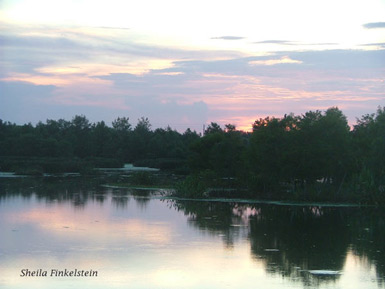
#1a - Green Cay Sunset before Adjustments
|

#1b - Green Cay Sunset with Curves adjustments
(see below for wider border)
|
Below - The Above Photos in Slightly Larger Size to Better Appreciate Them
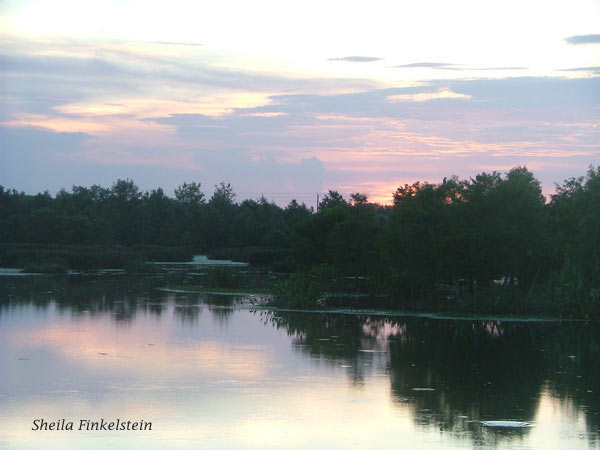
Before Adjustments
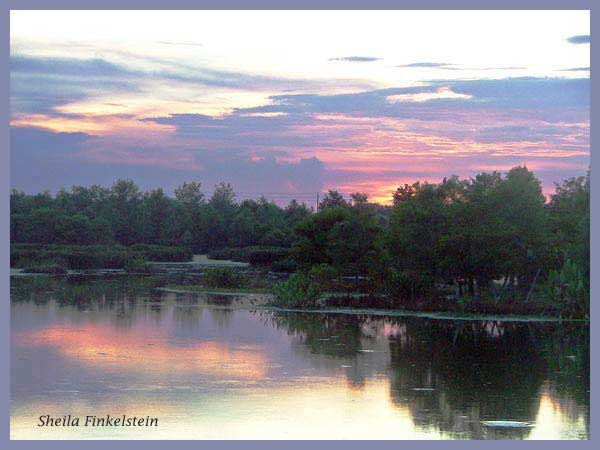
After Color
Curve Adjustments
Border added by doing cmd = A and Edit>Stroke (outline) Selection,
set to "inside" per Sara Froelich's instructions. Thank you!
Using Adjustments - Filters - Photo Filters
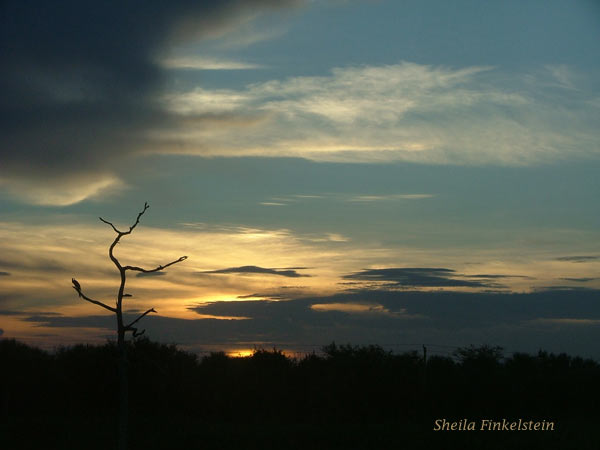
Sunset 1 - Original
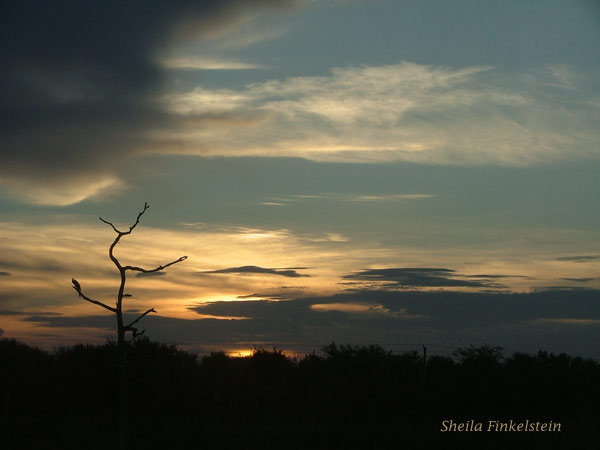
Sunset 1 - Warming filter - very slight change
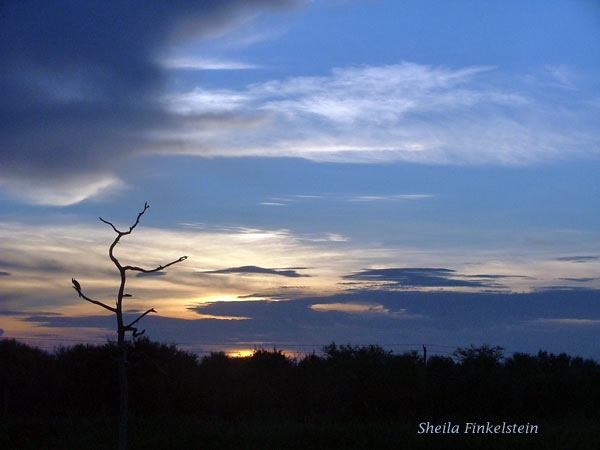
Sunset 1 - Cool simply by Smart Fix and Levels
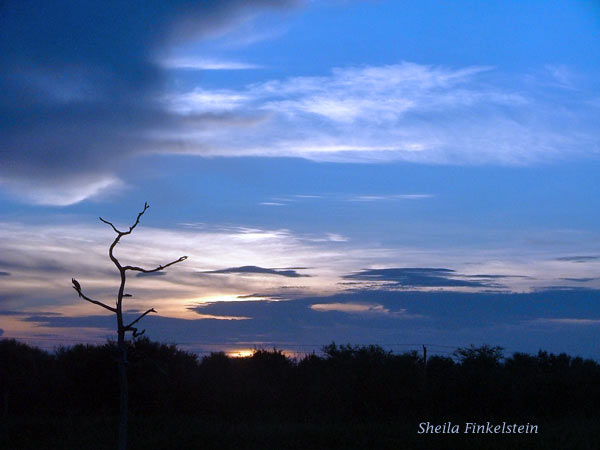
Sunset 1 - Cool with Cool Filter
Selective Desaturation
I've been studying Peeling the Layers of an Onion - a Layer a Day in photos and writing on my Photography and Transformation Blog.
In some of the sessions I've placed the onion on a black cloth. I was not at all happy with the result of the black cloth in the night light and it was too late to do anything about it.
I, thus, thought I'd use one of the onions on the cloth for the selective desaturation exercise. I found the result most Interesting!

|
Before Selective Desaturation
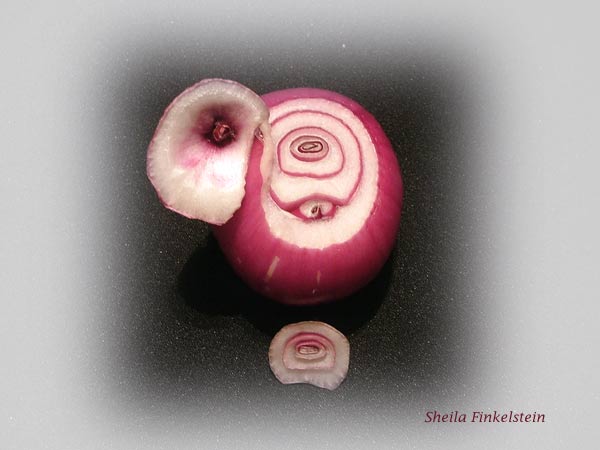
After Selective Desaturation
This Onion View was Day 5 of my Observation - Conclusion for the
Day can be found on the Blog - Red Onion Day 5 |
Layer 10 of Peeling Onion
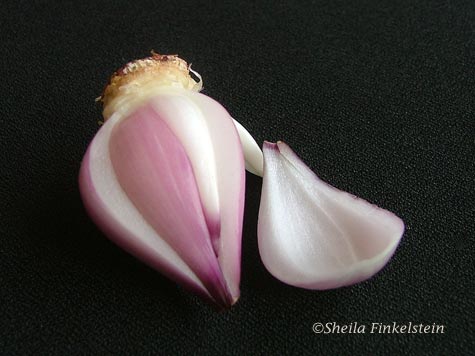

 All black background photo above was desaturated and colorized
and cropped after complete.
Lesson 1-2 Lesson 5-6 |

